Quick Answer — Why Isn't Your Business Website Getting Leads?
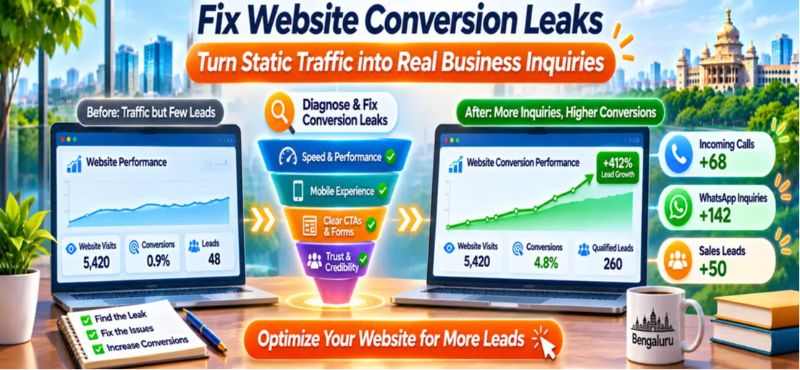
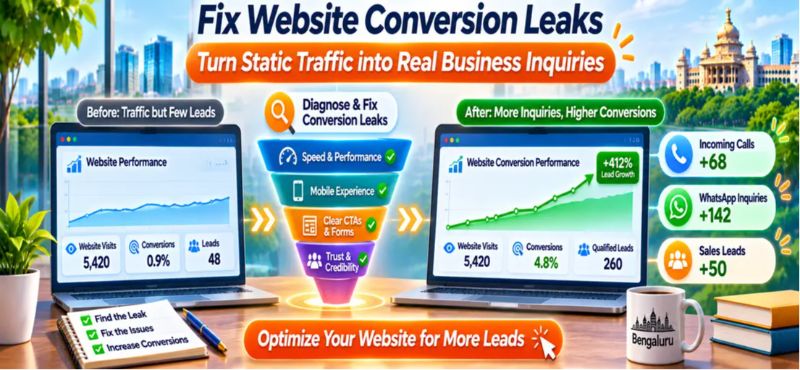
When a business website receives steady visitors without generating calls, WhatsApp messages, or form inquiries, the bottleneck almost always falls into three root causes: Traffic-Intent Mismatch (attracting informational browsers instead of commercial buyers), Conversion Friction (slow mobile loading speeds, buried calls-to-action, or long inquiry forms), and Trust Deficit (missing local Bengaluru address proof, client reviews, case studies, or transparent pricing guidance). Fixing these 12 conversion leaks turns existing traffic into qualified sales inquiries without increasing ad spend.
You invested in launching a website, shared the link on your company brochure, and maybe even started running Google Ads or SEO campaigns. Visitors are landing on your pages every week—yet your inbox stays quiet and your sales team is waiting for the phone to ring.
This is one of the most common frustrations among SMEs across Bengaluru and India. Traffic without conversion is simply wasted attention. Even a modest 2% lift in your website conversion rate can double your monthly pipeline without spending a single extra rupee on paid clicks.
At Pragathi IT Ads Pvt. Ltd., a full-service web engineering and digital marketing agency in Bengaluru, we audit dozens of underperforming corporate, clinic, real estate, and B2B websites every quarter. Below is a quick diagnostic matrix followed by the 12 highest-impact fixes to transform your website into a predictable lead-generation machine.
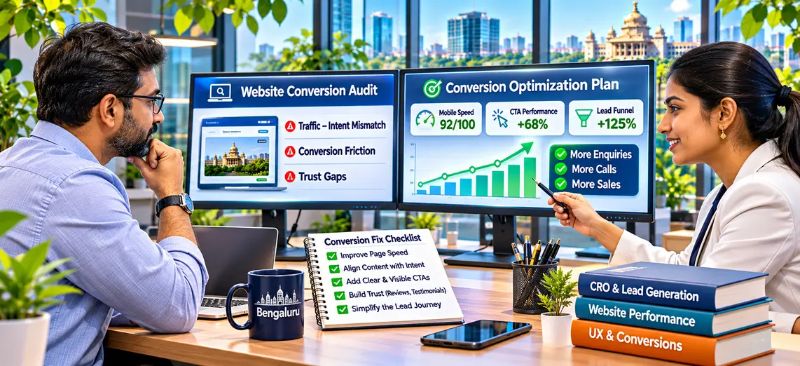
Quick Diagnostic Matrix: Spot Your Website's Lead Leak
Before changing design elements randomly, match your analytics symptoms to the exact conversion bottleneck:
Website Symptom in Analytics | Most Likely Root Cause | Priority Fixes to Apply First |
High bounce rate (>70%) within 5 seconds | Slow mobile page load or vague above-the-fold headline | Fix #1 (Speed) & Fix #2 (Value Proposition) |
Visitors browse 3+ pages but never inquire | Weak CTAs, no sticky WhatsApp/call button, or missing trust proof | Fix #3 (CTAs), Fix #4 (WhatsApp) & Fix #6 (Social Proof) |
Users click "Contact Us" but abandon the form | Too many mandatory form fields or broken mobile form inputs | Fix #5 (Short Forms) & Fix #8 (Mobile Thumb UX) |
High traffic from blogs, zero service inquiries | Attracting broad informational traffic with no commercial bridge | Fix #7 (Intent Alignment) & Fix #9 (Service Landing Pages) |
Strong desktop inquiries, near-zero mobile leads | Unresponsive tables, tiny tap targets, or hidden phone numbers | Fix #8 (Mobile-First UX) & Fix #12 (Conversion Tracking) |
12 Proven Fixes When Your Website Isn't Getting Leads
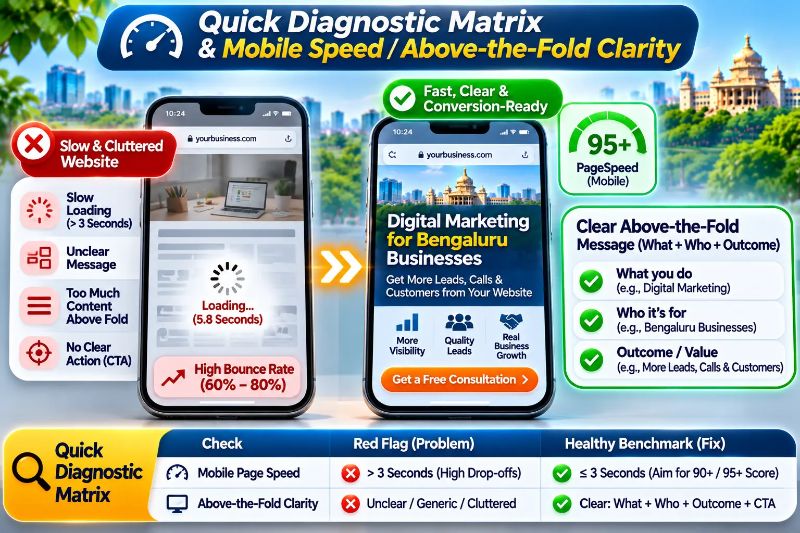
1. Fix Slow Mobile Page Speed (The 3-Second Abandonment Rule)
Over 75% of local and B2B searches in India start on smartphones—often on variable 4G/5G mobile networks. If your homepage takes 5 to 8 seconds to load uncompressed hero banners and heavy theme scripts, prospects hit the back button before reading a single word.
- The Fix: Compress images to WebP format, defer non-critical JavaScript, enable server-side caching, and aim for an 85+ mobile score on Google PageSpeed Insights. If your underlying template blocks clean performance, upgrading through SEO-friendly custom website development and speed optimization eliminates core technical bottlenecks permanently.
2. Rewrite Your Above-the-Fold Headline for Instant Clarity
When a visitor lands on your hero section, they decide within 4 seconds whether you solve their problem. Vague slogans like "Innovating Excellence for Tomorrow's Enterprises" force visitors to guess what you actually sell.
- The Fix: Follow the What + Who + Outcome formula right inside your
H1headline: - Weak: "Welcome to Apex Solutions — Your Trusted Partner."
- High-Converting: "Custom ERP & Billing Software for Bengaluru Manufacturers — Built & Deployed in 4 Weeks."
- Pair that headline with a 2-line subheadline explaining your key differentiator and an immediate action button.
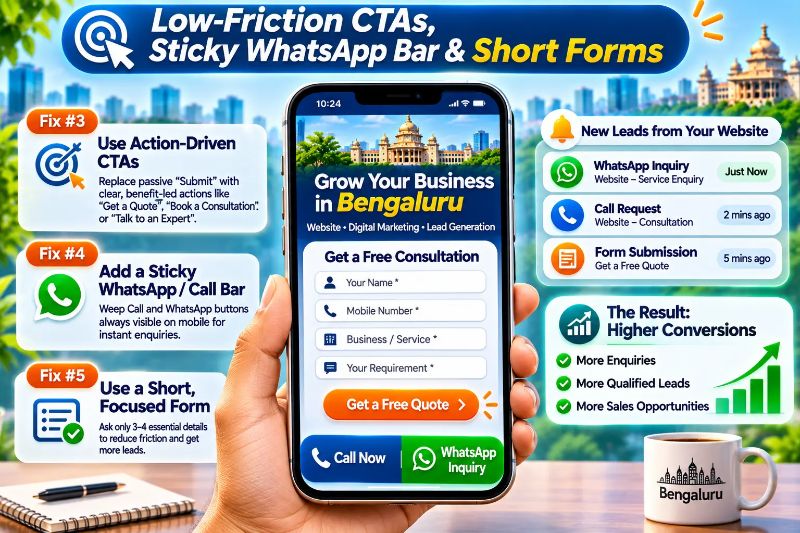 3. Replace Passive "Submit" Buttons with Outcome-Driven CTAs
Burying a single "Contact Us" link in your top navigation bar leaves buyers wondering what happens next.
- The Fix: Place clear, contrasting Call-to-Action (CTA) buttons in your hero banner, after every major service section, and in your header. Use specific, low-friction micro-copy such as "Get Free Website Audit", "Request Custom ₹ Quote", or "Book a 15-Minute Strategy Call" instead of generic "Submit" labels.
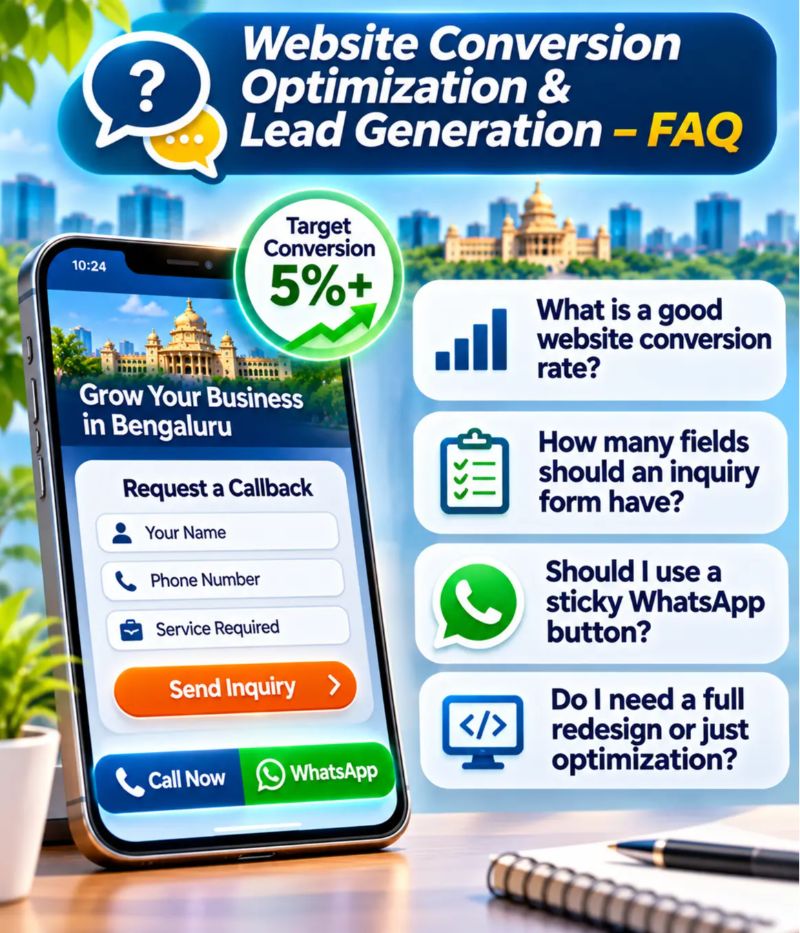
4. Add a Sticky Click-to-WhatsApp & Click-to-Call Bar on Mobile
Indian B2B procurement leads, clinic patients, and local business owners strongly prefer instant WhatsApp conversations or direct phone calls over waiting 24 hours for an email reply.
- The Fix: Add a clean, non-intrusive bottom sticky bar on mobile devices with two primary triggers: Call Now (
tel:link) and WhatsApp Us (wa.melink with a pre-filled message like "Hi, I visited your website and want a quote for...").
5. Cut Inquiry Forms Down to 3–4 Essential Fields
Asking a first-time visitor for their company size, street address, GST number, budget range, and detailed project brief creates massive form friction.
- The Fix: Trim initial lead capture forms to Name, Phone/WhatsApp Number, Work Email, and Service Needed. Once your sales executive connects on a 5-minute call or WhatsApp chat, they can qualify budget and project scope naturally.
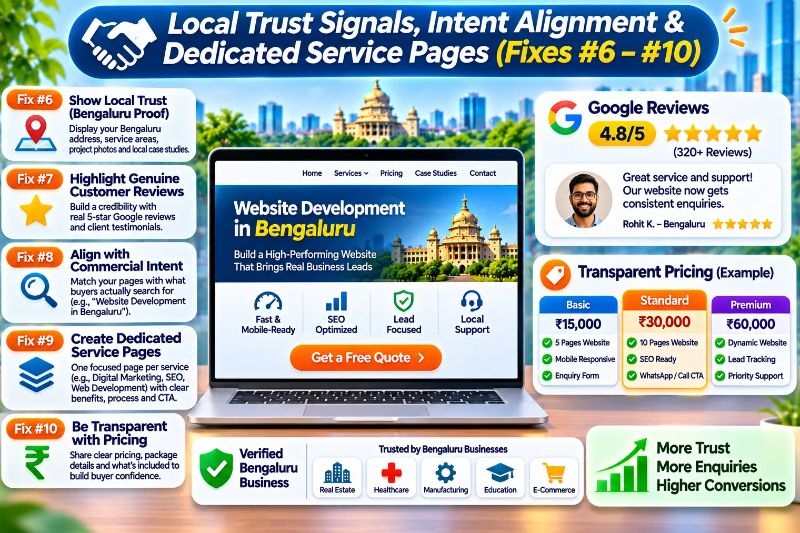
6. Display Local Proof, Real Reviews & Recognizable Client Logos
Buyers visiting a business website for the first time ask one subconscious question: "Has this company successfully solved this exact problem for businesses like mine?"
- The Fix: Showcase authentic client logos, embedded Google review ratings, before-and-after metrics, and your physical Bengaluru office address right on your core service pages. Featuring real outcomes—similar to our client portfolio and digital growth case studies—builds immediate credibility, while cohesive corporate branding and visual identity design ensures your website looks like an established market leader rather than a rushed template.
7. Align Traffic Sources with High-Intent Commercial Keywords
Sometimes your website isn't broken—you are simply bringing the wrong audience. Ranking for broad educational terms like "what is digital marketing" attracts students rather than business owners ready to hire an agency.
- The Fix: Audit your organic search queries and ad campaigns to prioritize high-intent commercial keywords (e.g., "cost", "agency", "services in Bengaluru", "company near me"). Partnering with specialists in result-driven digital marketing and commercial SEO campaigns ensures your traffic strategy targets decision-makers with active budgets.
8. Eliminate Mobile Layout Bugs & Unreadable Comparison Tables
A website that looks crisp on a 15-inch laptop often breaks on a 6-inch mobile screen—overlapping text, horizontal scrollbars, tiny 10px fonts, and popups without visible close buttons destroy user trust instantly.
- The Fix: Test every core landing page on real Android and iOS devices. Ensure body text is at least
16px, buttons have generous tap spacing (48pxheight), and multi-column tables scroll smoothly inside responsive containers.
9. Build Dedicated Landing Pages for Each Core Service & Location
Sending all your paid ads, social traffic, and search visitors to a crowded general homepage forces prospects to hunt for the specific service they care about.
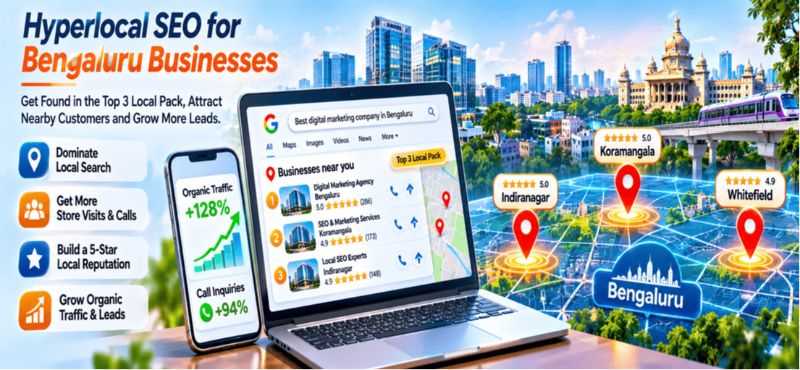
- The Fix: Create a dedicated, focused landing page for each flagship service—whether that is web engineering, SEO, custom business software development, or custom Android and iOS mobile app development—along with localized area pages if you serve key Bengaluru commercial hubs. You can see how neighborhood targeting works in our guide on Local SEO for Bengaluru businesses.
10. Publish Transparent Pricing Ranges & ROI Calculators
When Indian SMEs research vendors online, "How much does it cost?" is their #1 purchase question. Websites that hide every pricing cue behind "Contact us for rates" lose impatient buyers to competitors who offer clear ballpark figures.
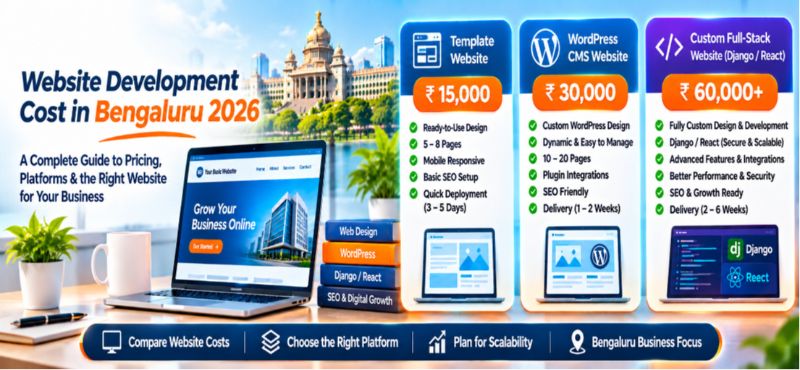
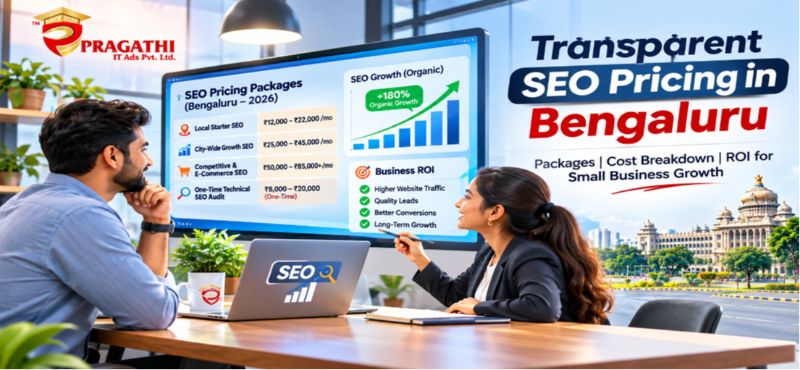
- The Fix: You don't need fixed rigid menus if your work is custom—instead, share realistic package tiers, starting brackets, and cost drivers (just like our breakdowns on website development cost in Bengaluru and SEO cost for small businesses in Bengaluru). Transparent pricing pre-qualifies leads so inquiries arrive already aligned with your budget.
11. Warm Up Cold Visitors with Multi-Channel Retargeting & Follow-Ups
Over 90% of first-time website visitors will not convert on their very first session—they compare 3 to 4 vendors before making a decision.
- The Fix: Install Meta Pixel and Google Ads remarketing tags to stay visible via targeted social media marketing and retargeting ads, and pair inbound capture with structured B2B direct outreach and lead nurturing so warm prospects remember your brand when they are ready to buy.
12. Fix Broken Forms & Set Up End-to-End Conversion Tracking
Surprisingly often, a business website stops getting leads simply because an SMTP email plugin broke after a server update—and nobody noticed for two months.
- The Fix: Test every contact form, WhatsApp button, and phone link every two weeks. Store all form submissions inside a database or CRM backup (never rely solely on email notifications), and configure Google Analytics 4 (GA4) + Google Tag Manager events for form submissions, WhatsApp clicks, and
tel:link taps so you know which exact pages and channels generate real leads.
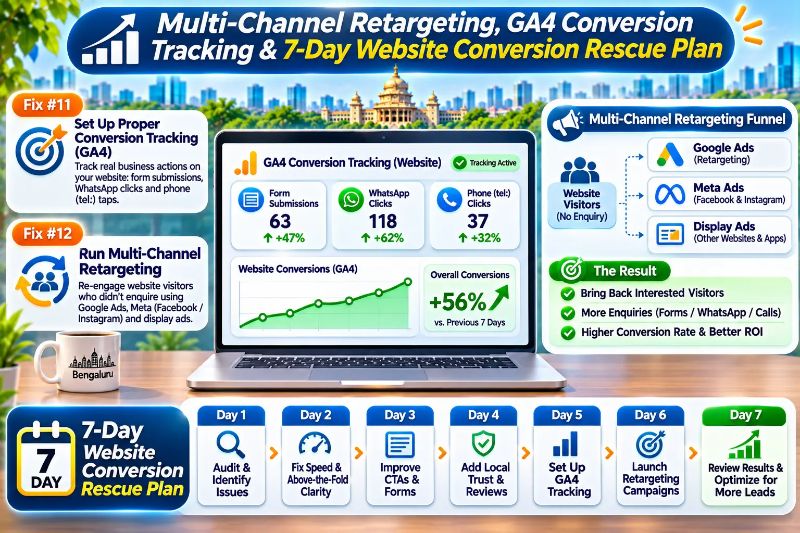
7-Day Website Conversion Rescue Plan
You do not need to pause your business for three months to start seeing more inquiries. Execute these quick wins over the next seven days:
- Days 1–2 (Audit & Tracking): Test all forms, verify mobile load speed on PageSpeed Insights, and set up GA4 conversion tracking for form submits, phone clicks, and WhatsApp taps.
- Days 3–4 (Above-the-Fold & Mobile CTA Upgrade): Rewrite your homepage and top service headlines for crystal-clear value, trim inquiry forms to 4 fields, and add a sticky mobile WhatsApp/Call bar.
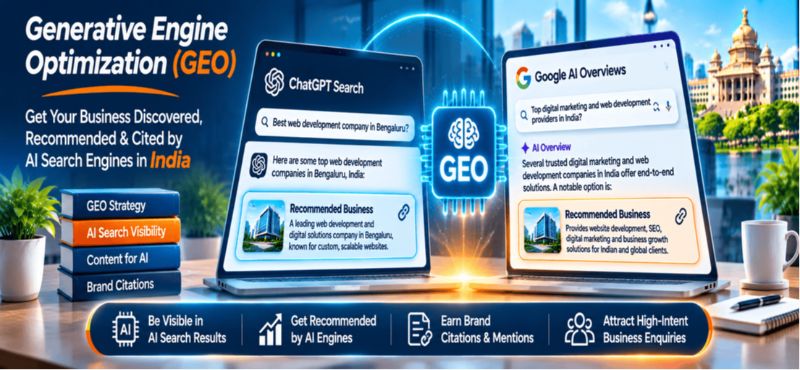
- Days 5–7 (Trust Proof & Commercial Pages): Add Google reviews, client logos, and transparent pricing guidance to your top 3 service pages, and ensure your structured data and Q&As are clean—if you also want AI answer engines to cite your service pages, check our GEO guide for Indian SMEs.
Want a Free Conversion & Technical Audit of Your Website?
If your website looks decent on the surface yet fails to generate consistent calls and inquiries, let our conversion specialists diagnose the exact leaks. Contact Pragathi IT Ads for a free Website Lead Generation & UX Audit—we will review your mobile speed, landing page copy, form friction, and analytics setup, and give you a prioritized action checklist to start capturing more leads immediately.